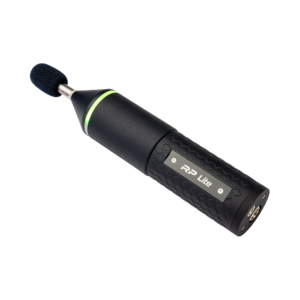
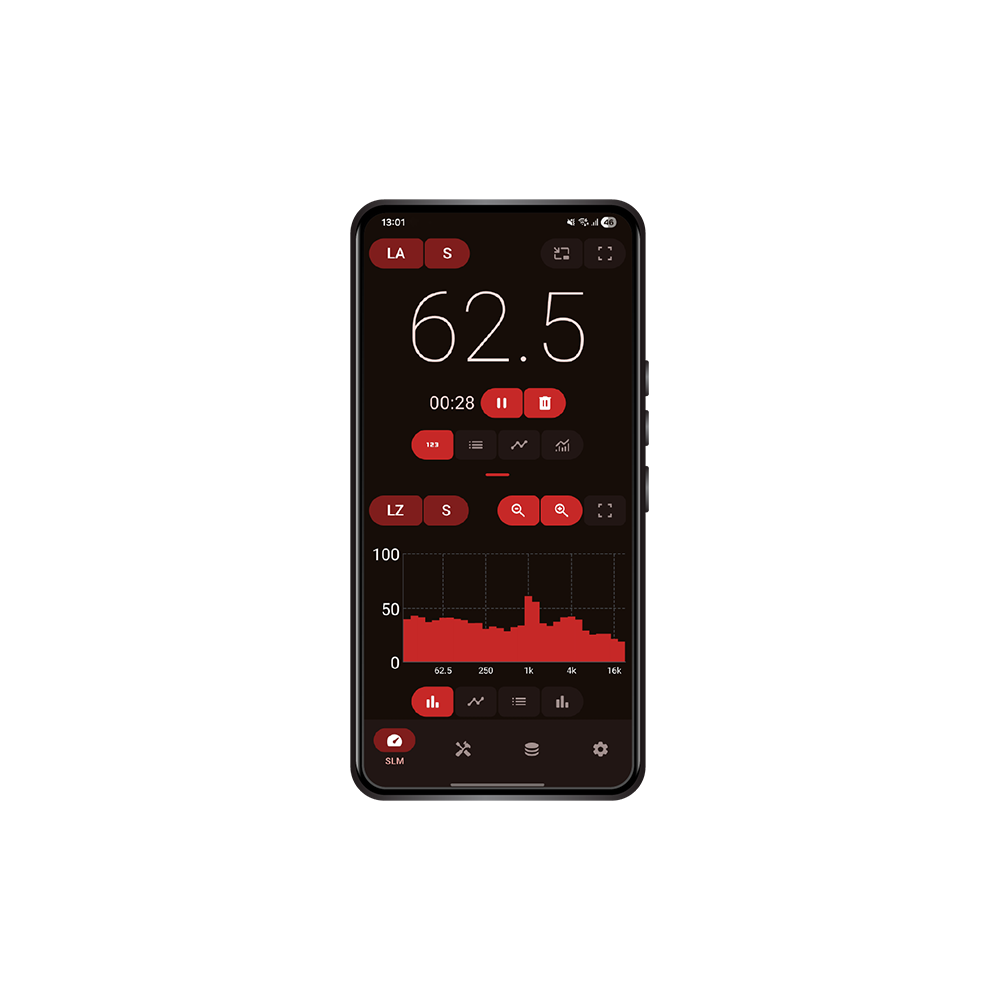
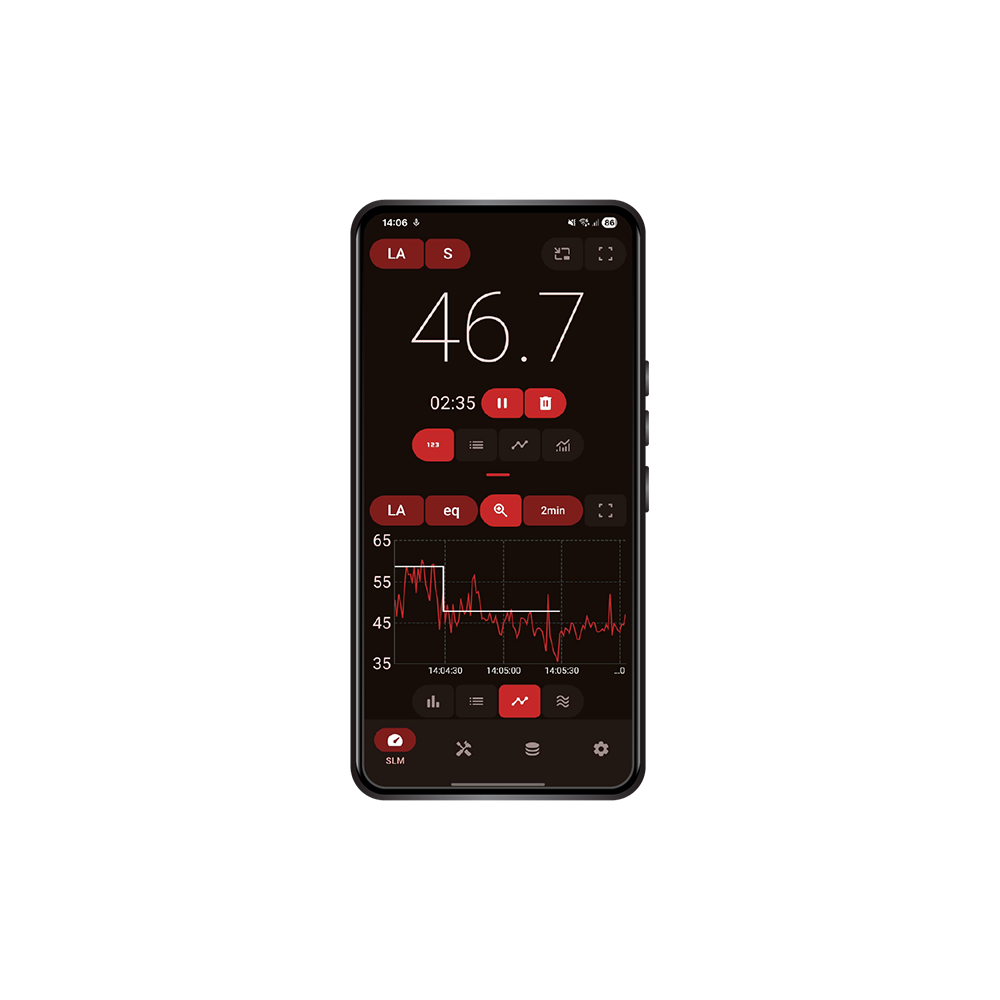
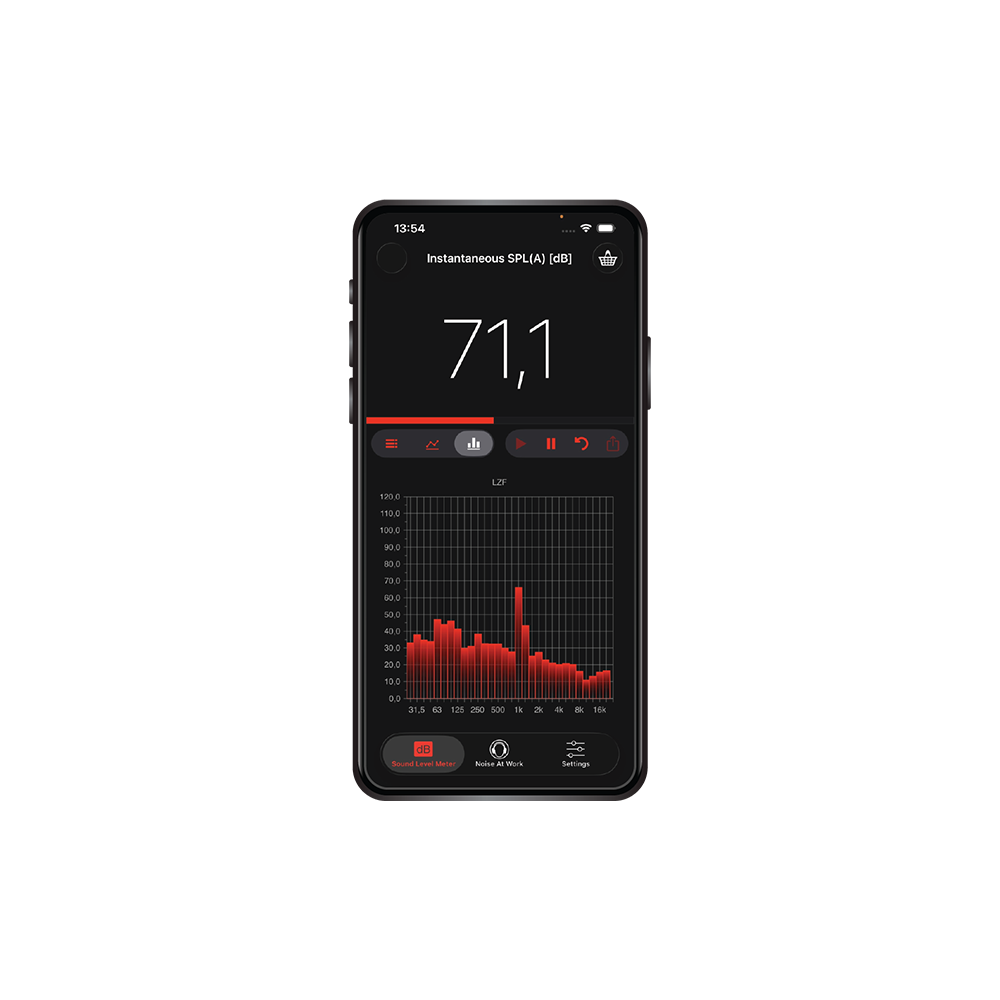
The NoiSee App is a professional-grade sound level meter application developed by EA-Lab, transforming your smartphone into a powerful tool for precise acoustic measurements.
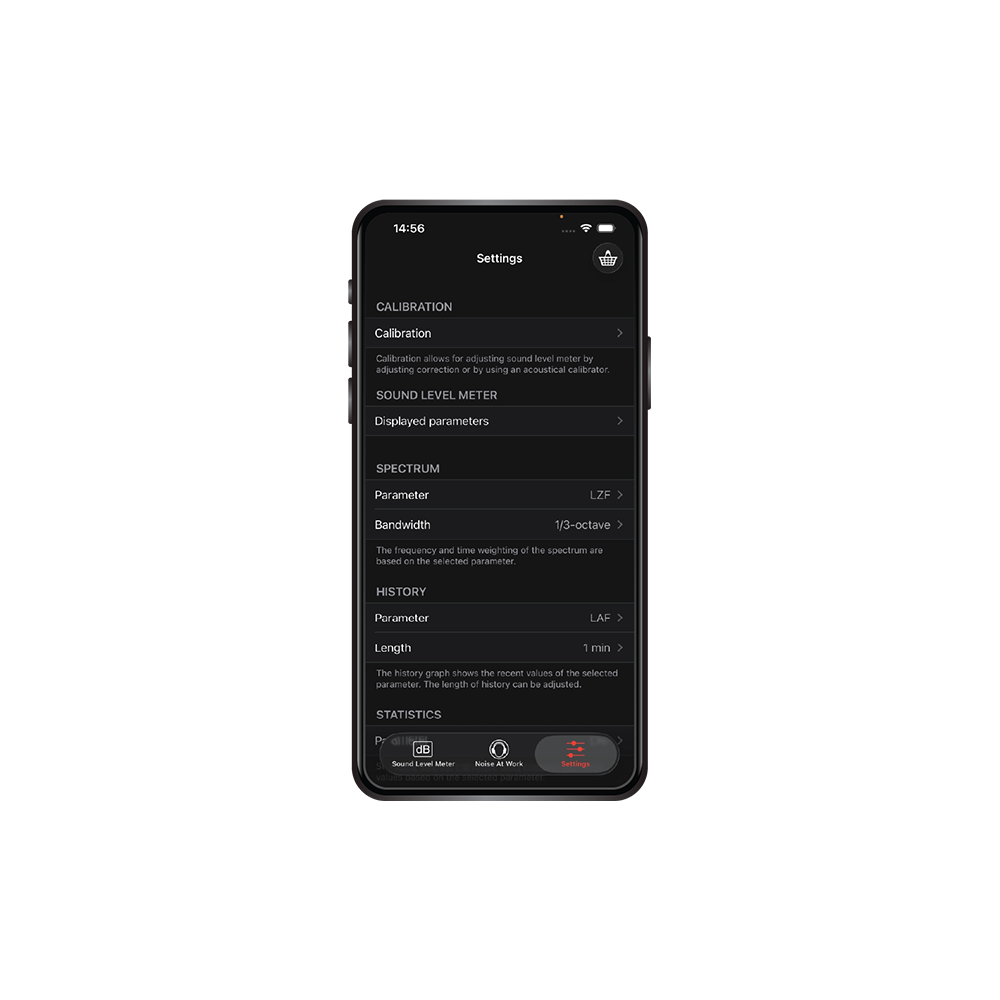
Designed by a team of acoustics engineers with over a decade of experience in sound level meter calibration (including an ISO 17025-compliant laboratory), NoiSee delivers reliable, standards-compliant performance for occupational health and safety professionals, industrial hygienists, and anyone needing accurate noise monitoring.
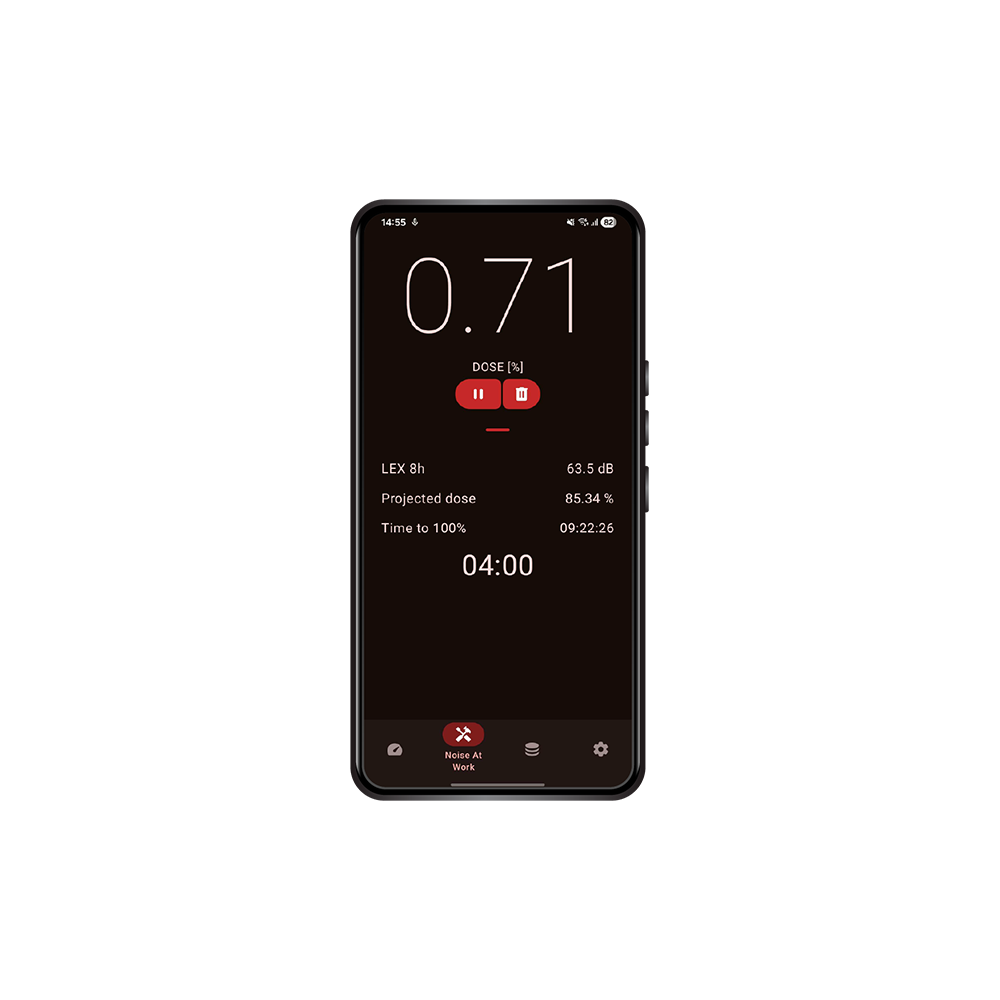
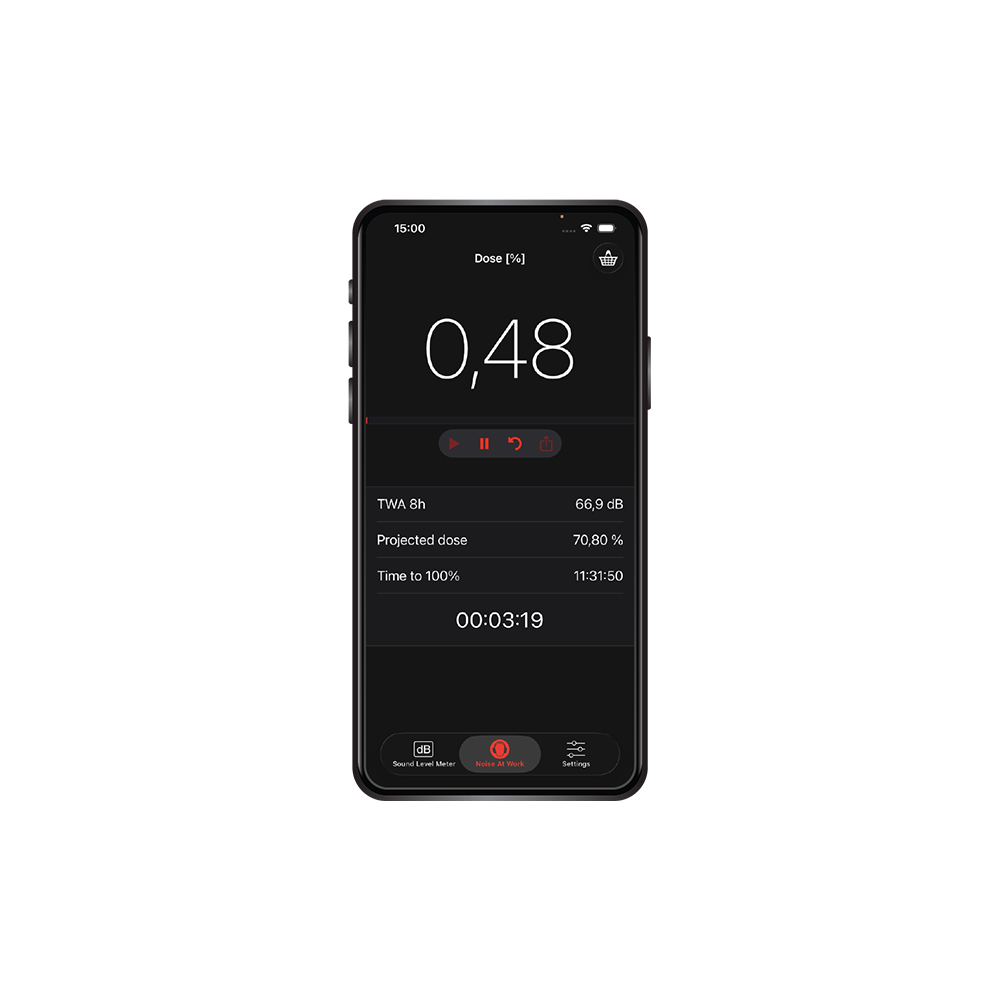
NoiSee meets or exceeds Class 2 requirements of relevant ANSI and IEC standards (including IEC 61672 for sound level meters), with all filters, averaging modes, and statistics engineered for high precision. It is specifically tailored for occupational noise assessments, providing essential parameters to evaluate workplace exposure and promote hearing conservation.
Available on the App Store and Google Play Store, NoiSee empowers users to conduct professional noise surveys with ease and confidence. Whether assessing industrial environments, construction sites, or any noisy workplace, NoiSee provides the accuracy and functionality needed to protect hearing health—straight from your pocket.
Key features include:
| Updated* 2 m Max Test | Performes the offical 2 m wide open throttle test used in MX-GP. |
|---|---|
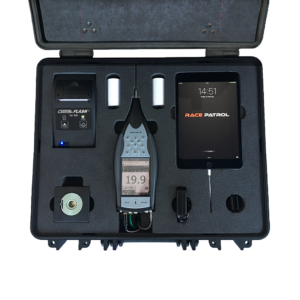
| Top Notch Equipment | Uses state-of-the-art Bruel & Kjaer 2250-L Type 1** Sound level meter (SLM). |
| Auto SLM Configuration | No need for knowledge in sound/acoustics – SLM gets configured automatically. |
| Auto Measurement Detection | No need for an additional person to trigger the measurement. Just rev the bike. |
| Auto RPM Detection | Our smart algorithm calculates RPM using just the sound of the engine. |
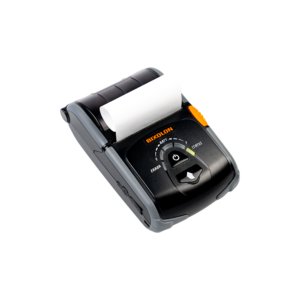
| Wireless Printer Support | Print your measurements on the go. |
| * | Revised 2 m max test with added automated RPM acquisition using state-of-the-art IntelliRev proprietary algorithm |
Need help choosing the right configuration?
Send us your product inquiry and we’ll help you select the right setup.
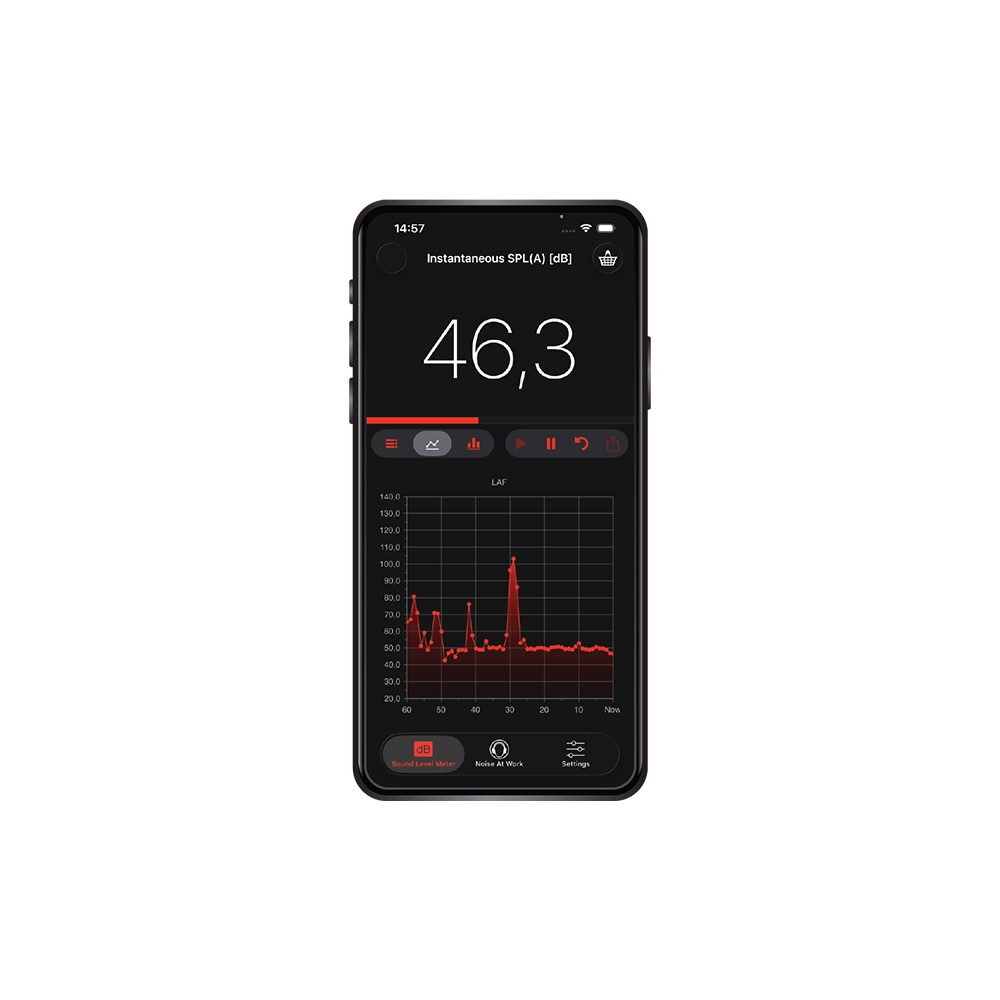
NoiSee App